Christmas cam · Grinch-like
Grinch caught on camera at your own tree, from one photo
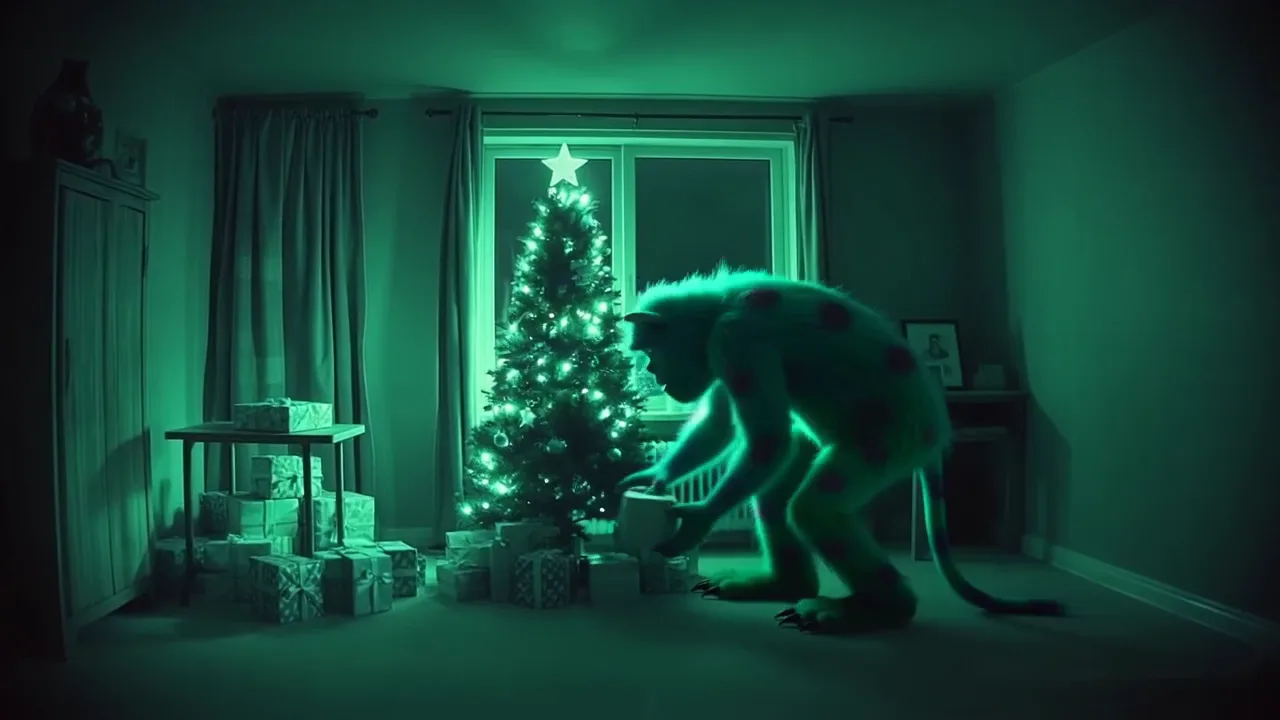
A Grinch caught on camera clip shows a present thief at your own tree in the middle of the night. Upload one photo of your living room or porch and get a 5-second, security-cam style clip of an original grumpy green holiday monster grabbing a gift and sneaking off. It is not the movie character and not footage from any film.
The creature is described in original words (shaggy green fur, long fingers, small horns) and will not match any studio design. The REC label and clock are a site overlay, not a real time.
Make your own caught-on-camera clip
Pick a character and a scene, add one photo, and check the prompt. Nothing runs until you press Generate; sign-in is needed then, and failed runs return their credits.
17 credits per clip · 10 welcome credits do not cover this selection.
Output: 16:9 widescreen · 480p or 720p · 3 or 5 s · 16 fps · MP4 · no audio
Sample clips: load one into the generator
Real results, 720p and 5 seconds each, unedited apart from web compression. “Use this scene” loads its starting photo, character, scene and prompt into the generator above. It does not start a run.
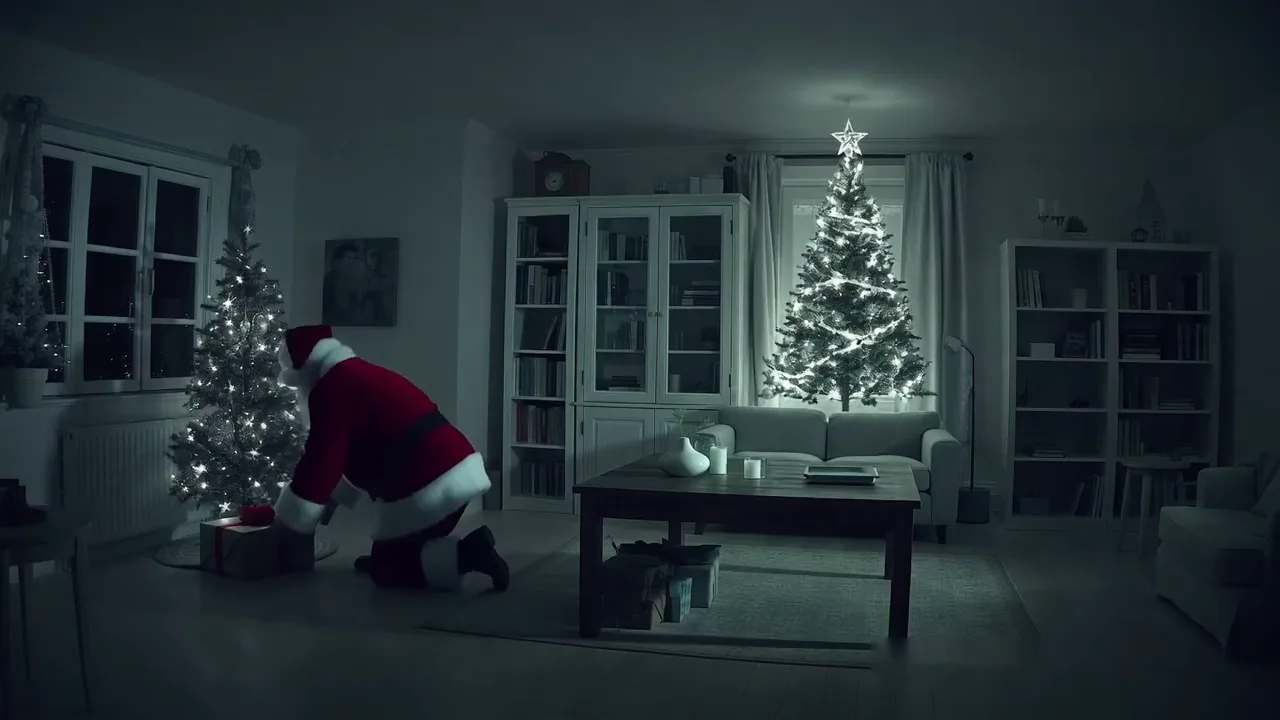
Santa in the living room
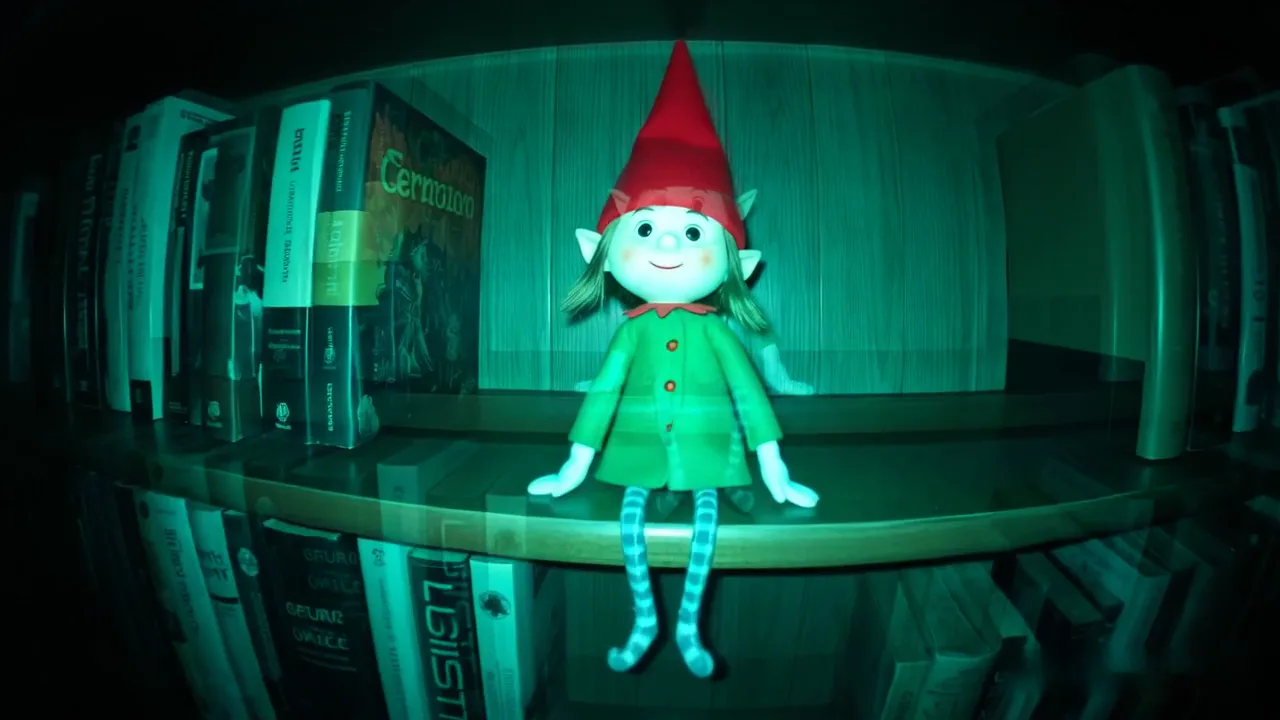
Elf on the bookshelf
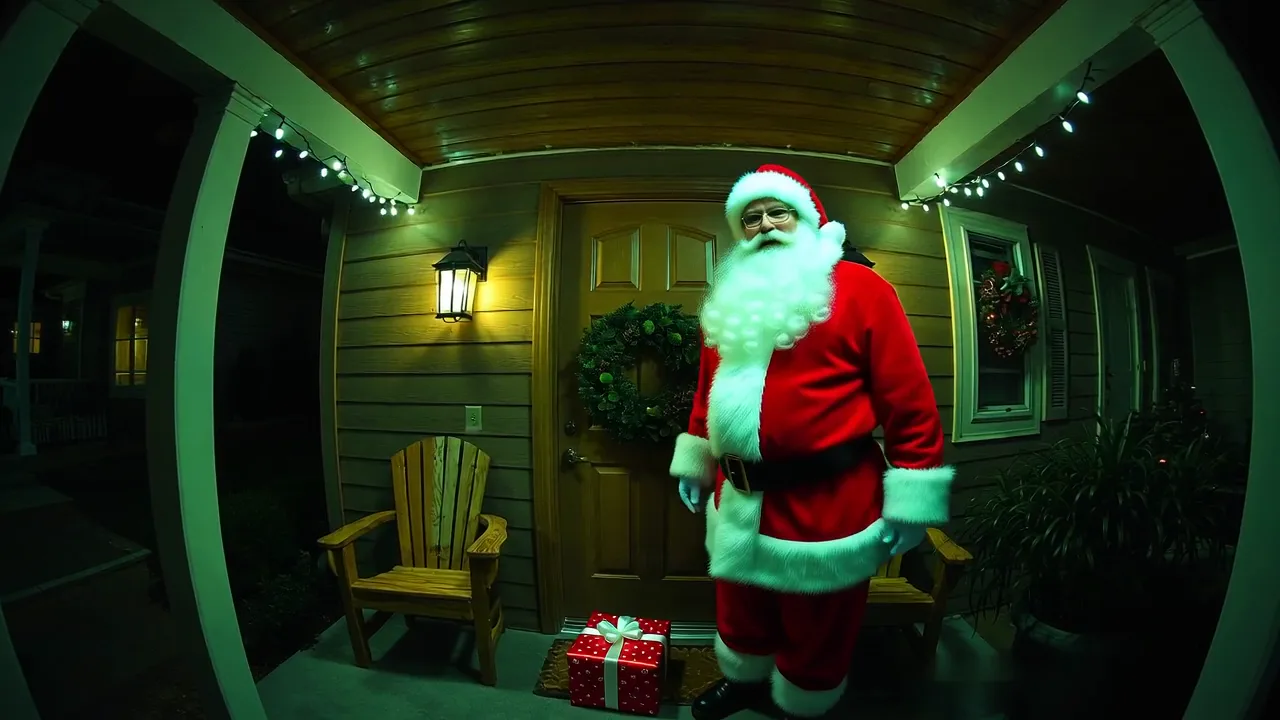
Santa at the front door
Green monster at the tree
How to make a Grinch caught on camera video
01
Add one photo of your room
The shelf, mantel, tree corner or front porch where the character should show up. JPG, PNG or WEBP, up to 4 MB. A shot from up high, like a wall camera, with some empty space works best.
02
Pick a character and a scene
The prompt box fills in for that pair. Edit any detail before you run it, such as what the character carries or where it hides.
03
Generate and download
Choose 480p (9 credits) or 720p (17 credits); the cost is on the Generate button. Sign in, press Generate, then download the MP4. Failed runs return their credits.
Settings and cost, in numbers
- Input
- 1 photo · JPG, PNG or WEBP · up to 4 MB. It becomes the first frame.
- Length
- 5 seconds by default (a 3-second option is also offered). One shot, no sound.
- Resolution and cost
- 480p = 9 credits, 720p = 17 credits for a 5-second clip. The button shows the cost before you start.
- Output
- MP4, 16:9 widescreen. A tall phone photo is cropped to widescreen.
- Way in
- Trial Pack: $3.99 for 60 credits, one-time, valid 90 days. That is 3 clips at 720p or 6 at 480p.
What a Grinch caught on camera clip shows
The Grinch caught on camera preset asks for a Grinch-like present thief: an original green creature with shaggy fur and long fingers creeps in, grabs a wrapped present from under your tree and sneaks out, all in one fixed night-vision shot. No movie costume, no famous face and no logo.
Want the Grinch caught on camera at the front door instead? Pick Doorbell / porch and the creature snatches a package off the mat. Pick Rooftop and it peers down the chimney. You can also swap in the elf, Santa or a Krampus-like creature.
Limits to know before you generate
- The REC label and clock are added by this site
- The AI draws text poorly, so the prompt no longer asks it for a timestamp. The readable REC / CAM 01 label, date and clock are an overlay on our players, not part of the downloaded MP4. A garbled stamp you may spot under it in older sample files is not the live overlay.
- Night vision is a look, not infrared
- The green-gray tint can come out weak, and some takes keep the warm colors of your photo. Nothing about your camera or your room is measured.
- Extra figures and changed details happen
- The prompt asks for exactly one character, but a second one can still pop up mid-clip, or a door the prompt says is closed can swing open. Run it again or tighten the prompt.
- One short, fixed shot
- Each run is 5 seconds from one camera spot, without cuts or sound. For a longer video, stitch several clips together in an editor.
Your own room, not a template
A CapCut template or a ready-made YouTube clip shows somebody else’s house with a character pasted on top. Here the background is your photo, so the shelf, the tree and the front door are the ones your family knows. The trade-off is that every run is new: results vary, and some take two tries.
Grinch caught on camera FAQ
- Will my Grinch caught on camera clip look like the Grinch from the movies?
- No, by design. The Grinch caught on camera preset describes an original green holiday monster, and the tool does not reproduce the book or film character, its costume or its face. If you type a character name, results can still drift toward a look you do not own; describe the creature in plain words instead.
- Is it free?
- New accounts get 10 welcome credits, enough for one 5-second 480p Mischief 1 clip at 9 credits. Each clip costs credits, and the Generate button shows the amount before you start (9 at 480p, 17 at 720p for 5 seconds). The Trial Pack is the cheapest paid option: $3.99 for 60 credits, valid 90 days.
- Will my photo be used for anything else?
- It is used to make your clip. Under the privacy policy, uploads go to our video-generation provider for processing, stay with your video history and may be deleted after a while, and we do not sell personal information. You can ask us to delete your data at any time.
- Do I need a doorbell camera?
- No. An ordinary photo of your porch or room is enough; the camera look is added by the AI. Pick the Doorbell / porch scene for a high, slightly downward angle. No doorbell brand logo is drawn.
- Is the video real camera footage?
- No. It is generated from your photo for fun. The REC label, date and clock on the player are a style overlay added by this site, not a real time, so the clip cannot stand in for a real recording.
- Can I still use it after Christmas?
- Yes. This page and its generator stay up all year. Only the seasonal row of samples on the homepage is taken down after January 6, 2027.
More Christmas cam pages
- Elf on the Shelf caught on cameraThe main page: a small elf figure caught moving on your own shelf or porch.
- Krampus caught on cameraA Krampus-like horned creature caught on camera at your front door.
- Mischief 1 homeThe same generator for any photo and motion, plus the seasonal samples.
- PricingThe Trial Pack, credit packs and plans, with the credit cost per clip.
- Black FridayThe current offer on yearly plans, while it runs.